
Mbps vs. MB/s: How to Compare Internet and Download Speeds
A smaller number in a download app does not necessarily mean slower service. Converting the units helps you compare speeds, but actual transfers can still fall below a plan’s listed capacity.
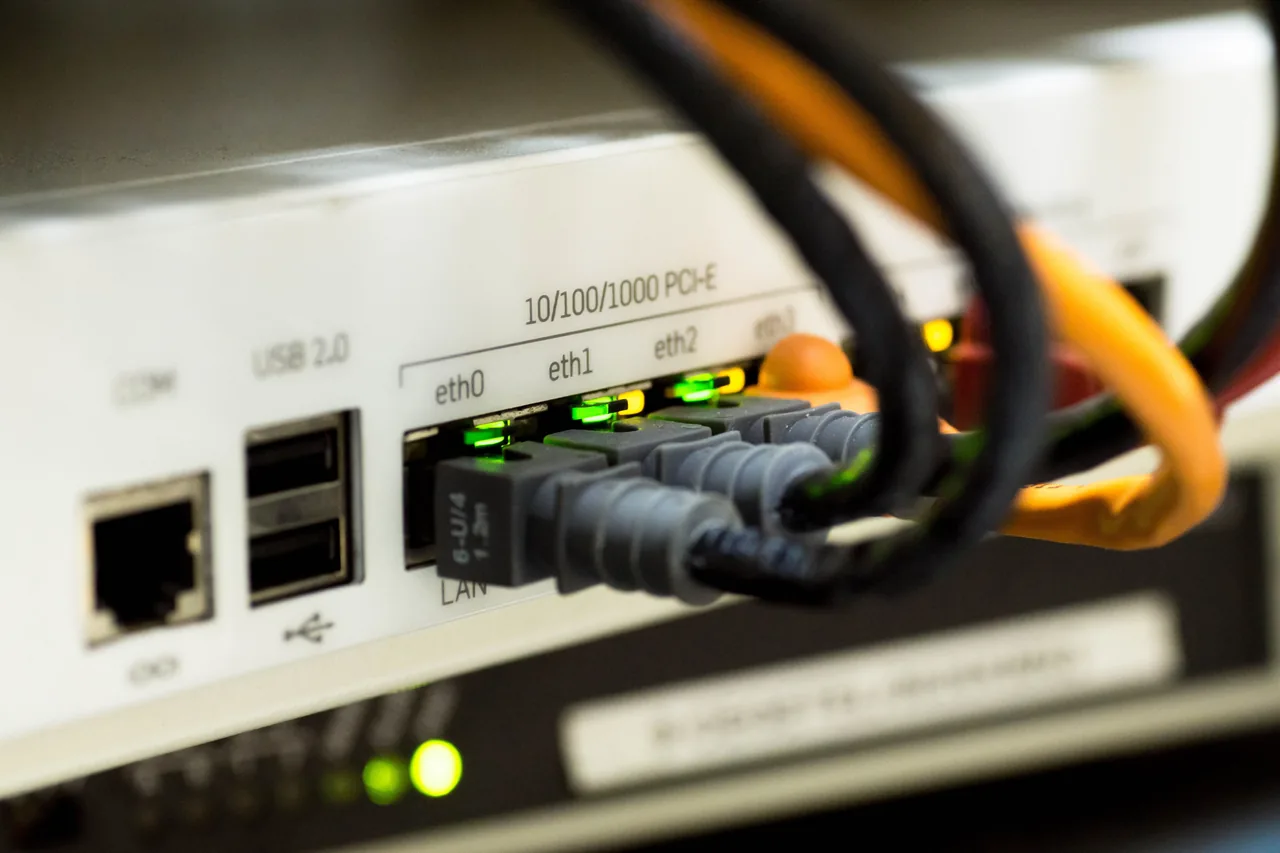
Photo: Pixabay / Pexels
Two units can describe the same speed
Your download app can show a much smaller number than your internet plan without indicating slower service. AT&T explains that plans list speeds in bits per second, while download apps often use bytes per second.
Mbps means megabits per second. MB/s means megabytes per second. One byte contains eight bits, so the difference matters when comparing a plan’s speed with an app’s reading.
To convert Mbps to MB/s, divide by eight. To go the other way, multiply by eight. Engadget gives a useful example: 100 Mbps equals 12.5 MB/s. Those numbers express the same rate in different units.
The conversion is not a download guarantee
AT&T lists these theoretical equivalents—converted capacity figures, rather than measured download results:
– 300 Mbps equals 37.5 MB/s. – 500 Mbps equals 62.5 MB/s. – 1 gigabit per second (Gbps) equals 125 MB/s.
Actual transfers can fall below those figures, AT&T says. Wi-Fi conditions, equipment limits, congestion and the performance of the server sending the file can affect speeds. Network overhead—the work of carrying data across the connection—can also reduce transfer rates.
The connection’s capacity is also shared. According to AT&T, simultaneous activity affects how much capacity each user receives. A plan’s listed speed therefore does not mean every device gets that full rate at once.
Check the units, then the plan’s terms
Start by putting the plan speed and download reading in the same units. That resolves the numerical gap caused by bits versus bytes. It does not establish how fast a particular download should run under actual conditions.
Then check the plan’s disclosure. AT&T advises determining whether the listed speed is a maximum or a typical rate, and cautions that every app or device may not reach it. Together, the units and those terms give you a clearer basis for judging the reading.
Share this story
Related Stories

Amazon opens TorchNeuron beta to ease PyTorch use on Trainium
Amazon says developers can move PyTorch applications to Trainium with a basic configuration change. A separate open-source release is planned for Tuesday.

Tesla Sets 2028 Roadster Production Target; Final Prices Still Unannounced
Tesla lists reservation deposits of $50,000 for Performance and $250,000 for Thrust, but its production target does not establish when customers will receive their cars.

Apple sets iPhone Duo preorders for October 16
The foldable iPhone Duo pairs an outer screen with a larger inner display for multitasking. Apple says its Siri AI features are rolling out in an…

ChatGPT Chrome Extension Adds Open-Tab Answers and Browser Tasks
The update lets users ask questions about open pages and request browser actions through ChatGPT Work, according to supplied reporting.
See an error? Request a correction.